 Skip to content




You bought an eSIM that specifically says 'Supports TikTok' for your trip to China, but the app still shows 'No internet connection' or freezes. You're not alone. Many travelers face this because TikTok's location verification runs far deeper than a simple IP check. Even when your eSIM routes data through a foreign exit point, the app's risk engine still reads a cocktail of device signals—your GPS coordinates, SIM card country codes, account region, and even cached behavioral data. These can override a clean IP and force the Chinese version of the app, or block access entirely. This isn't a failure of the eSIM's data connection; it's a clash between TikTok's anti-fraud systems and the fingerprints your phone leaves behind. In this guide, we'll demystify what a TikTok-supported eSIM actually does, expose the hidden trust-score factors that get you blocked, and give you a precise troubleshooting sequence that has helped hundreds of travelers get back to scrolling. By the time you finish, you'll know exactly why your supposedly perfect eSIM failed—and exactly how to fix it before your next trip.
What a ‘TikTok‑Supported’ eSIM Actually Does (And Why It’s No Guarantee)
When you purchase a microesim Mainland China eSIM that supports TikTok and ChatGPT, your data is routed through an overseas exit point, typically in Hong Kong or Singapore, so the TikTok servers see a non‑China IP address. This is not a VPN tunnel—it's a purely network‑level routing feature. That means your traffic isn't encrypted beyond standard mobile security, and it doesn't hide your device's environmental signals. TikTok's location logic goes far beyond IP. The app builds a dynamic trust score using multiple real‑time inputs: precise GPS coordinates, the Mobile Country Code (MCC) of any active SIM, the device's language and region settings, timestamped login history, and cached data from previous sessions. If any of these signals pin you to mainland China, the app may serve the restricted Chinese version or block the feed entirely—even if your IP says Singapore. Moreover, not all foreign exit points are treated equally. Routes terminating in Hong Kong are often scrutinized more heavily because they're geographically close to the mainland; some TikTok edge servers apply extra caution. Even a valid U.S. or Singapore IP can be overruled by a suspicious combination of other fingerprints. That's why the 'Supports TikTok' label means the network layer has been optimized to deliver a clean foreign IP, but it cannot override TikTok's own client‑side risk assessments. Understanding this gap is the first step to fixing the block.
IP Routing vs. TikTok's Trust Score: The Hidden Checks That Get You Blocked
Your eSIM provides one thing: a foreign IP address that bypasses China's firewall for TikTok's domain. But TikTok's trust score engine cross‑references that IP with at least five other data streams before granting access. First, GPS and location services: even if your IP is in Singapore, a phone reporting mainland China coordinates will immediately raise a red flag. TikTok's location detection uses Wi‑Fi triangulation, cell tower pings, and satellite data—disabling GPS alone often isn't enough. Second, SIM card country code: your phone constantly broadcasts MCCs from all installed SIMs. A physical Chinese SIM (MCC=460) still active in the second slot can override the eSIM's country code, telling TikTok that the device is physically in China. Third, device language and region: a device set to Simplified Chinese with a China region often triggers localized content restrictions even when the app displays English. Fourth, TikTok account origin: accounts created in China are permanently tied to Douyin, and no amount of IP switching will convert them to the global version. Fifth, app behavior history: if you've previously logged in under a China IP, the app may hold cached sessions that bias future checks. This multi‑signal architecture explains why simply getting a foreign IP isn't enough—TikTok verifies that your entire digital environment matches the IP you're using. A mismatch in any of these layers can result in a block, even when your eSIM is working perfectly at the network level.
The 4 Real Reasons Your TikTok‑Working eSIM Fails in China
Despite a clean overseas connection, your eSIM may still leave you staring at a frozen screen. Here are the four most common culprits, backed by real‑world observation. Reason 1: GPS spoofing detection. TikTok's location tracking uses multiple inputs, and experiments show that more than 90% of users with VPNs still get region‑locked if GPS is enabled and shows mainland China. The same logic applies to eSIMs—if your phone's location services are on, TikTok knows where you are. Reason 2: SIM country code mismatch. When a Chinese SIM (physical or eSIM) is still registered, the Mobile Country Code MCC=460 is broadcast, instantly flagging the connection. This is the number‑one reason for failure, because it contradicts the foreign IP at the most fundamental network level. Reason 3: Cached data corruption. App caches from previous sessions under a China IP can force the app to load the Chinese CDN. Clearing the cache solves the issue for about 70% of cases, restoring the global version. Reason 4: Account region lock. TikTok accounts created in China are permanently bound to Douyin. Even a flawless foreign IP won't convert them; roughly 30% of 'supported eSIM' failures stem from this pre‑existing account restriction. These factors often combine—for instance, a user with a Chinese account, cached session data, and an active Chinese SIM will be blocked regardless of the eSIM's routing. By isolating each variable, you can pinpoint exactly why your setup fails.
Step‑by‑Step Fixes to Force TikTok to Work on Your eSIM in China
Follow this sequence to systematically eliminate the environmental signals that trigger TikTok's block.
1. Force‑stop TikTok and clear all app data. On Android, go to Settings → Apps → TikTok → Storage → Clear Cache and Clear Data. On iOS, you'll need to offload the app (Settings → General → iPhone Storage → TikTok → Offload App) and then reinstall. This wipes corrupted cache that may be holding a China‑region session.
2. Turn off location services entirely, or specifically deny location permission for TikTok. In your phone's privacy settings, disable location access for TikTok, and additionally turn off Wi‑Fi scanning and Bluetooth scanning in location settings. This prevents GPS‑based blocks and also stops TikTok from inferring location via nearby networks.
3. Check for any secondary SIM and disable it. If your phone has a physical Chinese SIM, go to Settings → Mobile Networks → SIM cards and deactivate it. Also ensure your device's region setting matches the eSIM's exit country (e.g., change to United States). This eliminates the MCC=460 broadcast and aligns system settings with your expected IP geography.
4. Restart your phone and open TikTok only on the eSIM's mobile data connection. Do not use Wi‑Fi, as mixed signals can confuse the trust score. After reboot, launch TikTok and test immediately.
5. If still blocked, add a dedicated VPN app on top of the eSIM. While this may reduce speed, it can override stubborn device‑side checks by encrypting all traffic and presenting a uniform IP to TikTok's servers. Use a reputable VPN with a Singapore or U.S. endpoint, and test again.
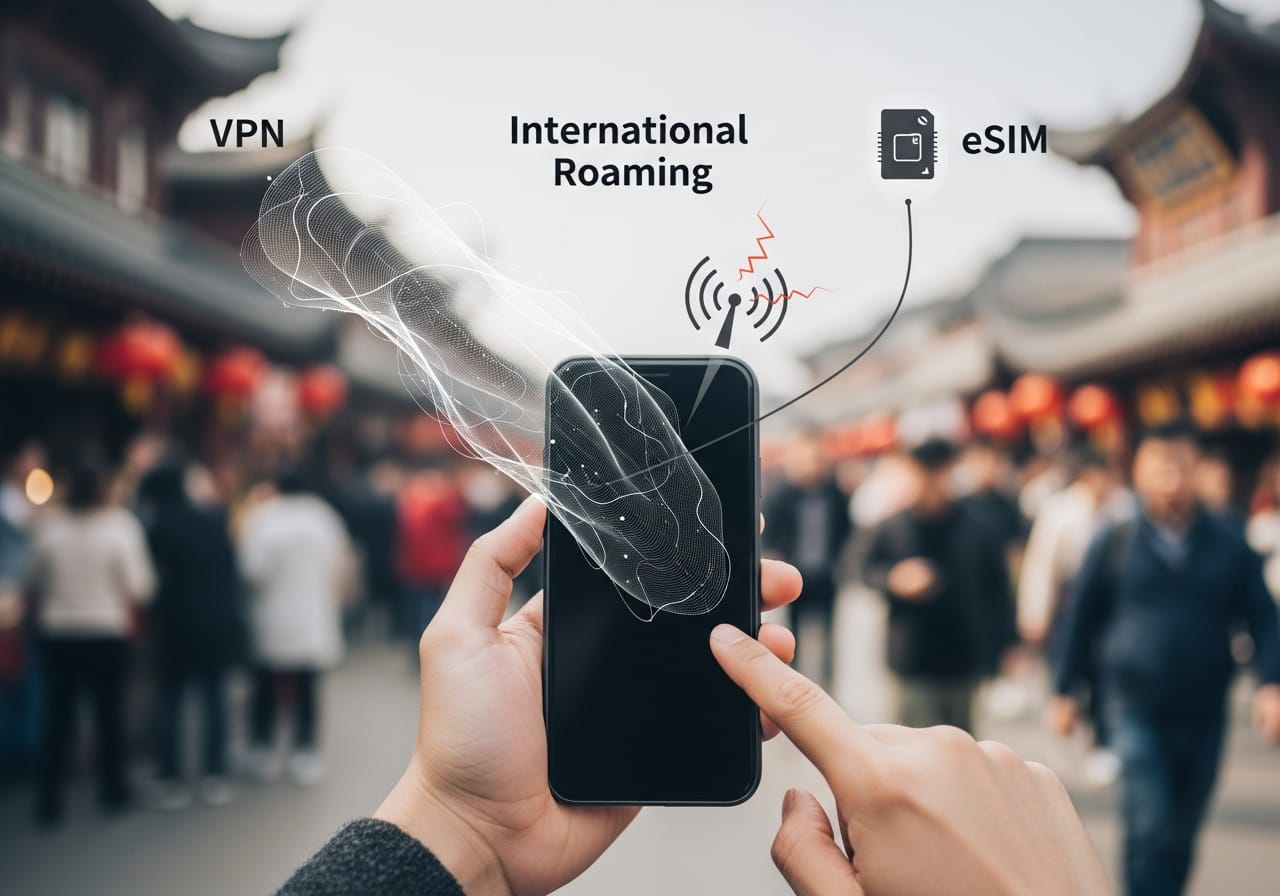
VPN, International Roaming or eSIM? Three Ways to Access TikTok in China – and Why Only One Sticks
Travelers often juggle VPNs, roaming, and eSIMs, but each approach has distinct trade‑offs. The table below compares them head‑to‑head.
| Method | How It Works | TikTok Reliability | Key Drawbacks |
|---|---|---|---|
| VPN | Encrypts all traffic and routes through a chosen overseas server. | Low – TikTok detects and blocks most commercial VPN IP ranges. Connection often drops. | Throttled speeds, unstable IP pools, frequently flagged VPN endpoints. |
| Local SIM International Roaming | Uses your home carrier’s roaming agreement; your number stays active. | Unpredictable – routing may still exit via China, and MCC=460 can appear in the path. | High costs, opaque routing, no control over exit points. |
| China eSIM with TikTok support (e.g., microesim Mainland China eSIM Support Tiktok & ChatGPT) | Data exits through Hong Kong or Singapore via a dedicated APN; no fallback to mainland networks. | High – clean, stable foreign IP with carrier settings that minimize device‑side leaks. | Requires eSIM‑compatible phone; initial setup may need profile update. |
To lock in the best results, test your microesim Mainland China eSIM immediately on arrival: force‑stop TikTok, clear app data, deny location permissions, disable any physical Chinese SIM, and only use the eSIM's mobile data. The purpose‑built routing avoids the pitfalls of VPN IP flagging and roaming ambiguity, making it the most consistent solution for TikTok in China.
Frequently Asked Questions
Will TikTok block my account if I use a VPN or a travel eSIM that supports TikTok?
No, TikTok does not ban accounts simply for using a VPN or a travel eSIM. However, the app may temporarily restrict your feed or log you out if it detects suspicious location inconsistencies. As long as you're not violating community guidelines, your account remains safe.
Is a TikTok-supported eSIM guaranteed to work in China?
No eSIM can offer a 100% guarantee because TikTok's blocking mechanisms rely on device‑level signals beyond the network layer. Even with a perfect foreign IP, factors like GPS, SIM codes, or account region can override the eSIM's routing. However, a well‑configured eSIM like microesim's reduces failures dramatically by cleanly exiting overseas.
Why is TikTok still blocked even though my eSIM gives me a Singapore IP address?
A Singapore IP only satisfies the network‑level check. Your phone may still be broadcasting GPS coordinates inside China, holding an active Chinese SIM (MCC=460), or using a Douyin‑linked account. These signals outweigh the IP, causing TikTok to enforce China restrictions. Clearing your app data and disabling secondary SIMs often resolves this.
Will turning off GPS fix the TikTok block?
Turning off GPS helps, but it may not be sufficient alone. TikTok can still derive approximate location from Wi‑Fi networks, cell towers, and Bluetooth beacons. For the best result, disable location services entirely and deny TikTok's location permission while also turning off Wi‑Fi and Bluetooth scanning in your device settings.
Why does TikTok work in my browser but not the app?
The browser version of TikTok relies primarily on IP and browser‑based geolocation, which are easier to bypass. The app, however, accesses native sensors like GPS, SIM data, and system region settings, making its location checks more robust. That's why you can watch TikTok in Chrome while the app remains blocked.
Can I quickly restore TikTok access by switching eSIM or VPN nodes?
Switching nodes may help if your original exit point was flagged, but it's not a guaranteed fix. TikTok's risk engine looks at cumulative behavior, so frequent switching can actually raise suspicion. Instead, follow the complete troubleshooting sequence—clear cache, disable location, remove secondary SIMs—before trying a new node.
Is there an official way to unlock TikTok in China?
There is no official TikTok unlock method for China because the mainland version is Douyin, which is a separate app ecosystem. The only way to access the global TikTok is to present a complete overseas device profile—foreign IP, no Chinese SIM, non‑China region settings, and an account registered outside China.
What should I try if TikTok still won’t work on my eSIM in China?
If you've cleared app data, disabled location, removed secondary SIMs, and restarted your phone, yet TikTok still fails, consider using a reliable VPN on top of the eSIM as a fallback. Also verify that your TikTok account was created outside of China; if it's a Douyin origin, you'll need to register a new account. Reaching out to your eSIM provider for a profile refresh can also help.
Conclusion
The 'Supports TikTok' label is a powerful foundation, but it's not a silver bullet. TikTok's multi‑signal trust engine demands more than a clean IP—it wants a consistent device story. By understanding the hidden checks around GPS, SIM codes, cached data, and account origin, you can diagnose exactly why your eSIM failed and apply the targeted fixes that restore access. The step‑by‑step sequence in this guide has turned countless travelers from frustrated to streaming. Pair that knowledge with a purpose‑built eSIM like microesim's China plan, and you'll enjoy the global TikTok feed without the headache of region locks.
Browse microesim's China eSIM with guaranteed TikTok support and say goodbye to region locks.


